



Overview
Homepage – Carousel
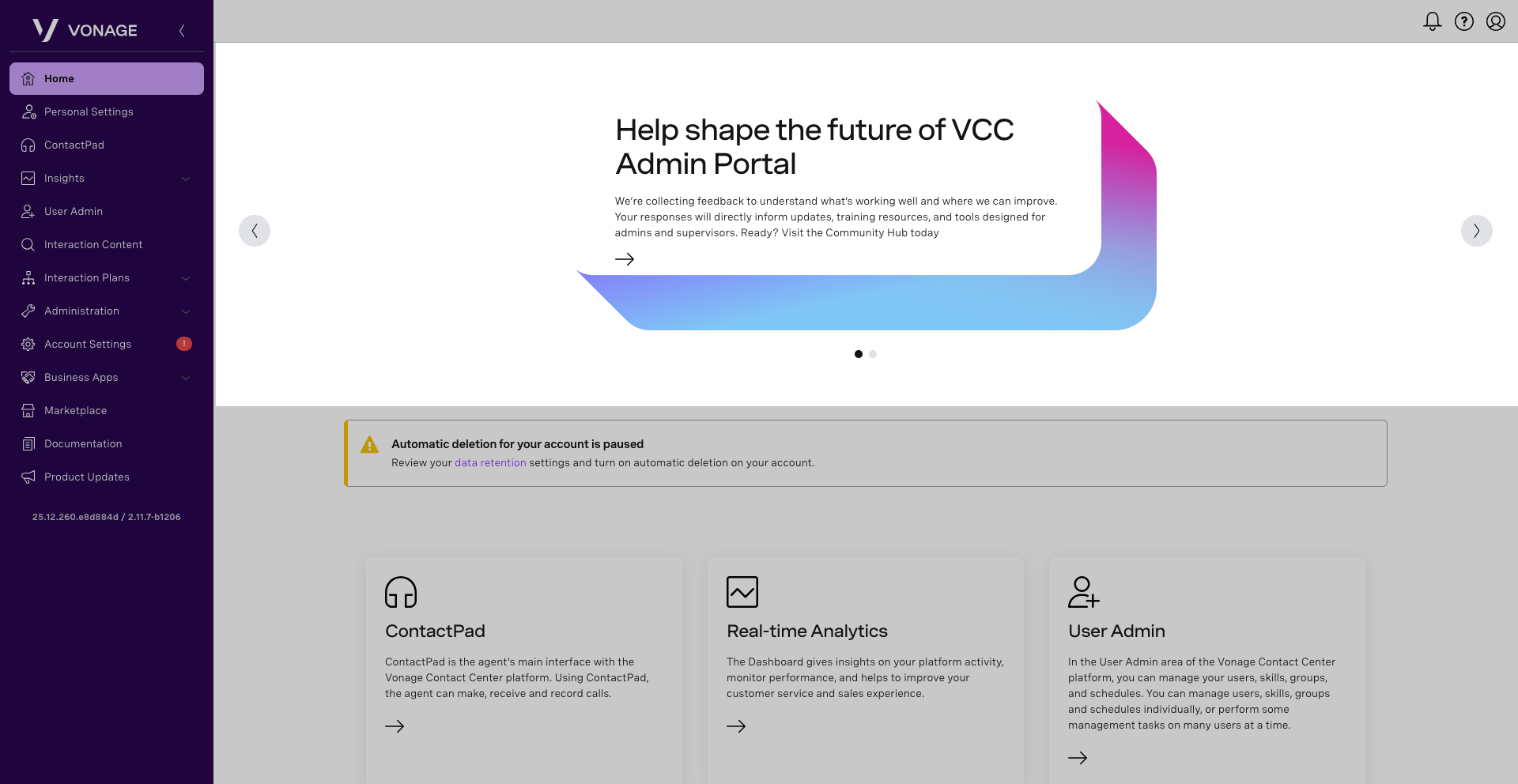
The homepage carousel is where you can scroll through recent news articles related to the Vonage Contact Center. To read additional information about a specific news article, click the arrow to open the item in a new window.
Homepage – Alerts
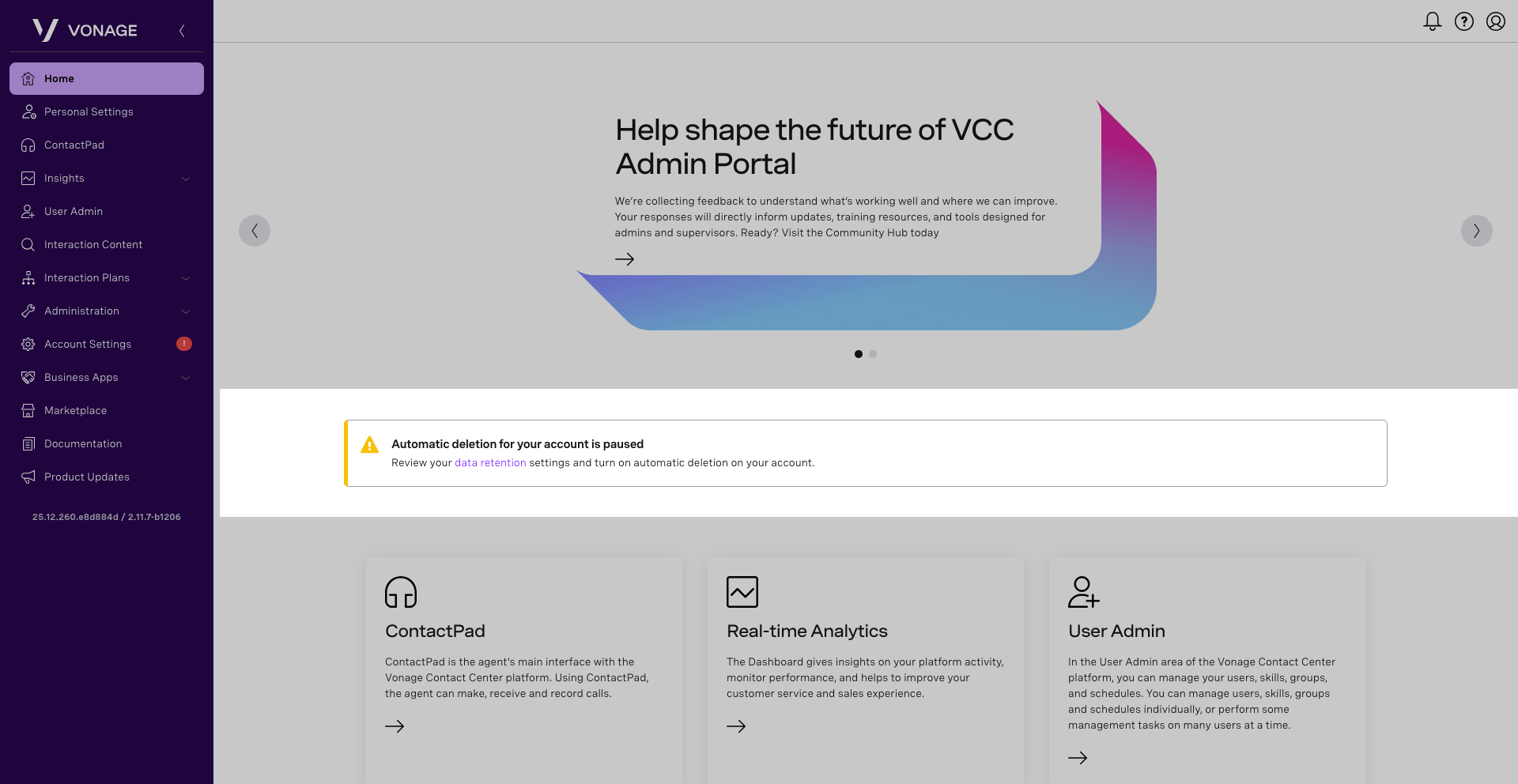
When you have undismissed alerts, they will appear under the carousel.
Homepage – Components
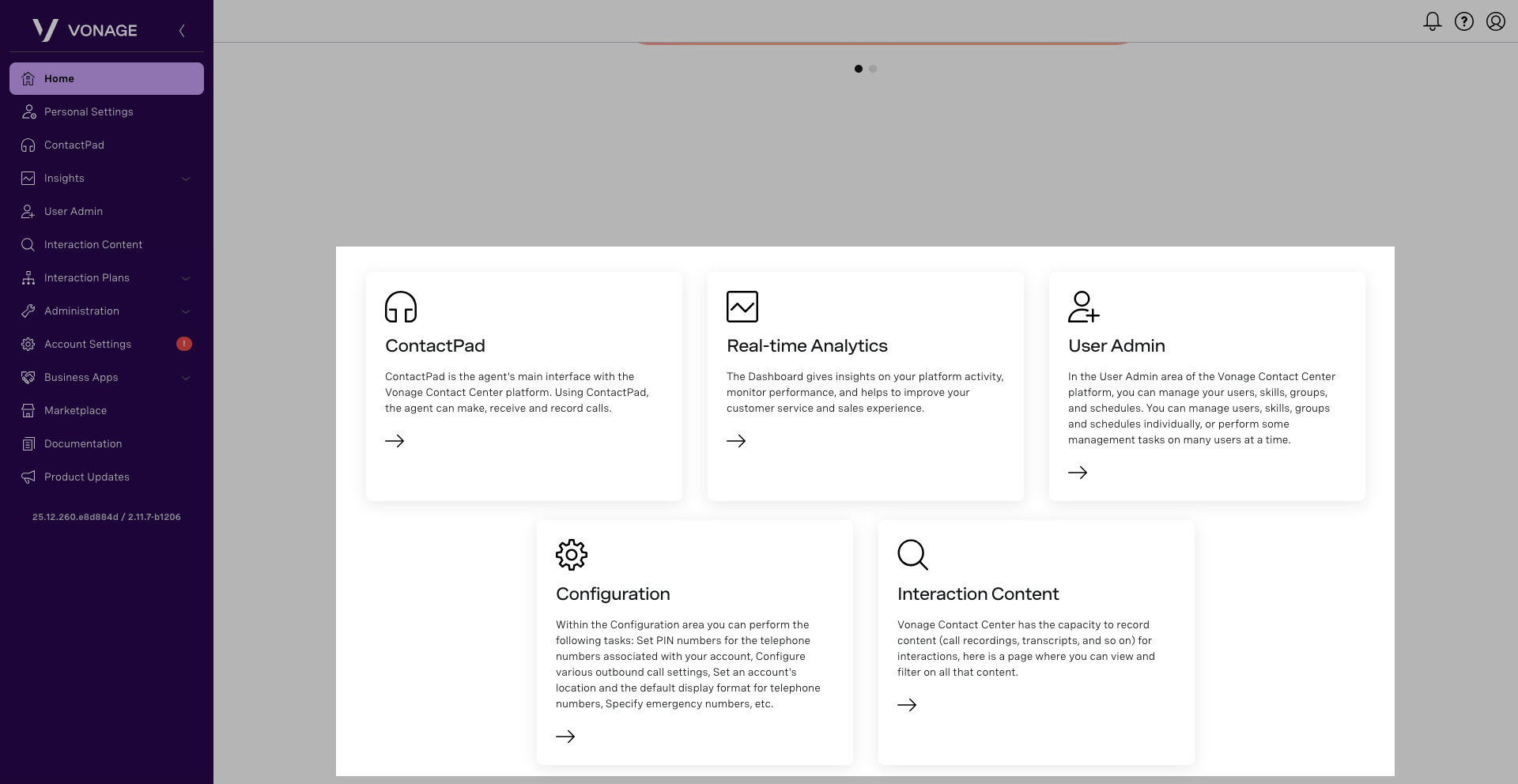
Components represent some of the features located within the VCC Admin Portal. To open an item, click on the icon or corresponding arrow.
Homepage – Banner
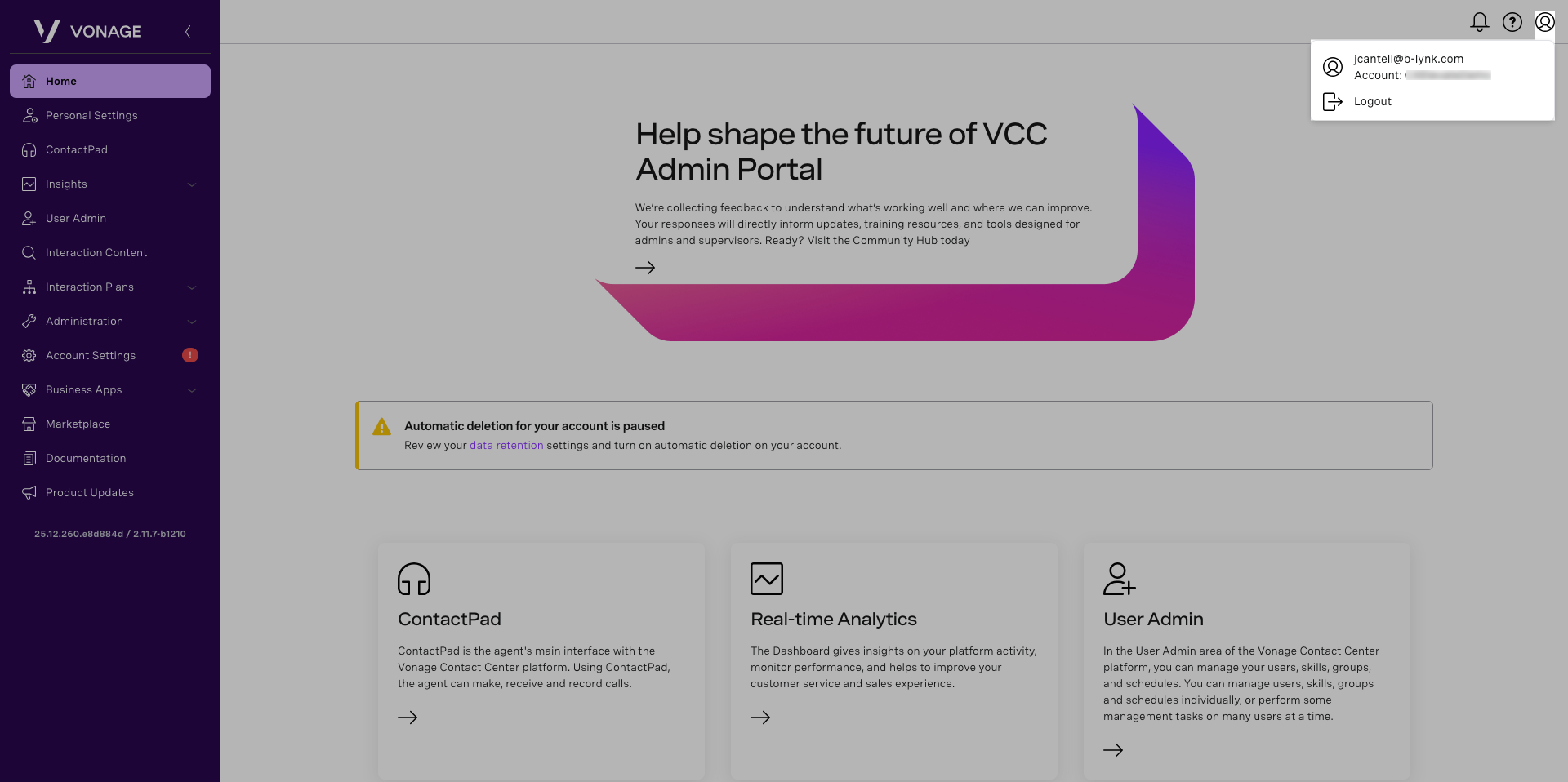
The banner is located at the very top of your homepage and is present as you navigate through the portal pages. Items here include Alerts, Help, and Accounts.
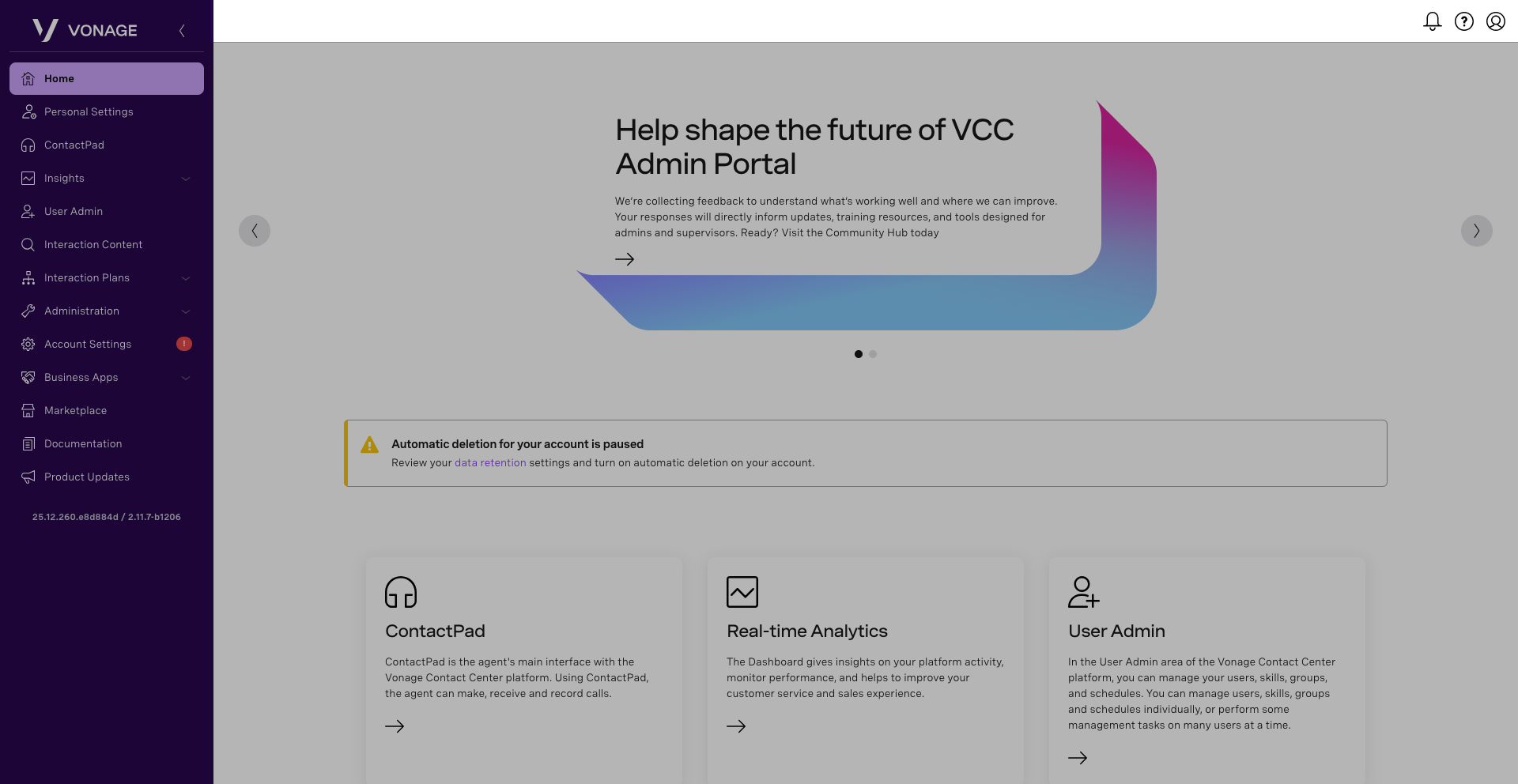
The Alert icon notifies you of any alerts you may have. To view these alerts, click on the Bell icon. You can receive four different types of alerts. The types are listed in order of severity, with the most severe first.
- Danger
- Warning
- Information
- Success
Note: Higher-severity warnings take precedence over lower-severity warnings; the most serious warning appears on the carousel until discarded.
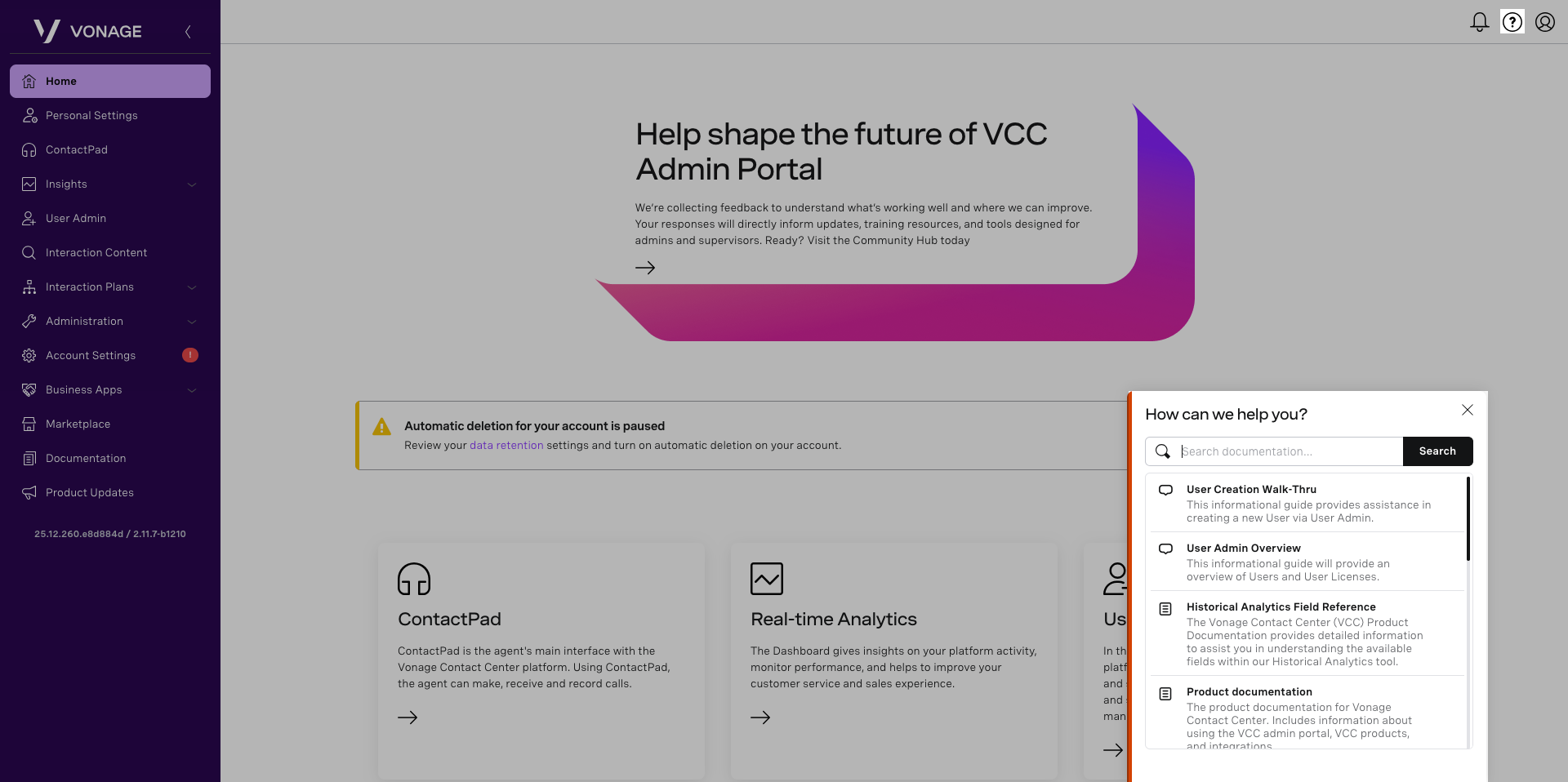
The Help icon contains a search field and links to the following items:
- User Creation Walk-Thru
- User Admin Overview
- Historical Analytics Field Reference
- Historical Analytics Documentation
- Product Documentation
- Product Updates
- API Documentation
- Community Hub
- Status Page
- Quarterly Release Notes
The Account icon displays the current logged-in user and account, as well as options to log out of the Admin Portal.